
accessible online service A customer should not need specialist knowledge to complete an ordinary online task. Booking an appointment, reading a price, checking a delivery or contacting support should work for people using different devices, connections and ways of interacting with a website. When it does not, a business can lose more than a sale. It can create frustration for the people who need the service most and make its brand feel less trustworthy.
Accessibility is often presented as a technical checklist. It is also a customer experience discipline. Clear content, sufficient contrast, meaningful headings, keyboard access, mobile testing and a genuine support option make a service easier to use for many people. These choices can help someone with a disability, a customer using an older phone, a person dealing with a slow connection or someone who simply has limited time and patience.
Why accessible online service matters
An accessible online service reduces friction. It helps customers complete a task accurately and helps staff spend less time repairing avoidable confusion. The work is most effective when it is considered from the start, but even an existing service can improve through a practical review of the journeys people use most often.
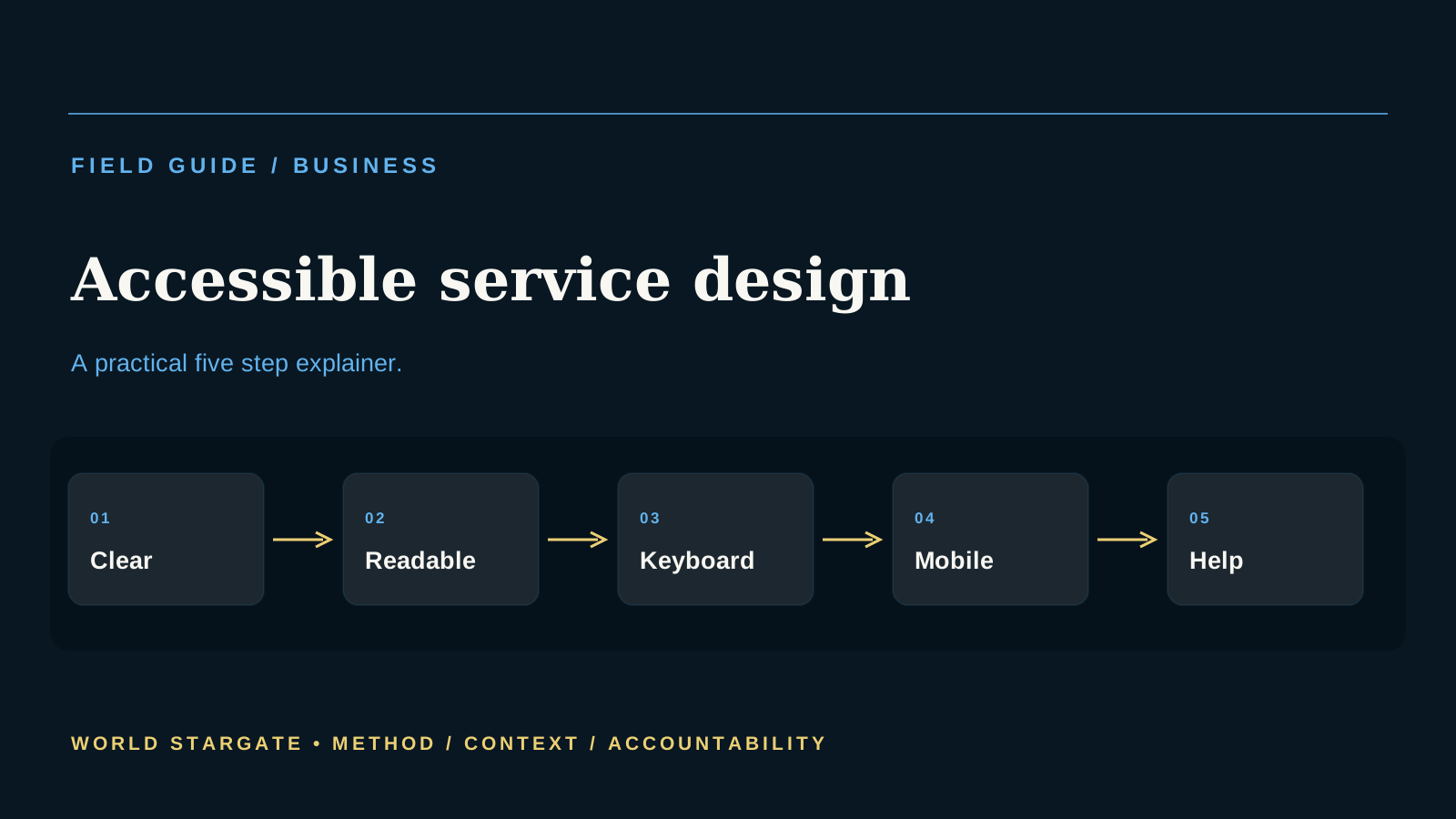
Write for the task the customer is trying to complete
Start with the customer question: what are they trying to do here? Use direct headings, short explanations and labels that describe the action. Avoid relying on visual cues alone or writing a page as though every reader already understands the business. Plain language is not a reduction in professionalism. It is a way of making information usable when a person is scanning quickly, translating content or using assistive technology.
For a business owner, this is not an abstract policy topic. It affects customer confidence, staff workload, supplier relationships and the ability to make a decision with incomplete information. A process that is clear on paper must also be usable during a busy day.
Make the essential content readable
Text should be large enough to read, contrast should be sufficient and layout should not depend on a single screen size. Important information should not exist only inside an image, a hover effect or a video without an alternative. Readability improves when a page has a clear hierarchy and avoids unnecessary movement or clutter. These are design choices that benefit a broad range of users.
The strongest business control is often a simple one that people repeat consistently. Define the approved process, assign an owner, record the exception and review the result. Complexity that nobody follows is not a real safeguard.
Test with keyboard and mobile use
Many people navigate with a keyboard, voice control or a mobile screen. A service should allow a user to reach the main actions, see where they are and complete forms without a mouse. Mobile testing should include small screens, slow connections and common interruptions. A feature that works only on a large desktop monitor is not a reliable customer service for many real users.
This is where trust becomes commercial. Customers and partners rarely see every internal decision, but they feel the result when information is wrong, a response is delayed or a promise cannot be kept. Reliable processes protect that relationship.
Provide alternatives without making them hidden
Sometimes an online path is not suitable. A person may need a phone number, an accessible document, a human explanation or extra time. These alternatives should be easy to find and should lead to genuine assistance, not a dead end. The aim is not to force every customer through one digital route. It is to ensure that the service remains usable when technology, circumstance or preference makes that route difficult.
Leaders should look for evidence of value, not only activity. Time saved, fewer corrections, faster resolution and clearer customer communication can all matter. A new tool or process that creates extra checking without improving an outcome should be reconsidered.
Use feedback to fix the real barriers
Customers and frontline staff often see problems before a website team does. Provide a way to report an accessibility or usability issue and treat the feedback as useful evidence. Review the most common abandoned forms, support questions and complaints. Small changes to a label, error message or contact route can remove a barrier that has been costing customers and staff time for months.
The goal is steady capability. Businesses that know their responsibilities and keep a simple fallback path are more resilient than those that rely on an untested shortcut.
Read the mechanism, not only the headline
A business process is strongest when it can be explained by the people who rely on it. That means identifying the trigger, the information used, the action taken, the person responsible and the route for an unusual case. A flowchart alone is not enough. Staff and customers need to know what will happen when the normal path does not fit. Clear ownership prevents a routine delay from becoming a customer problem that nobody believes they can solve.
Customer trust is often built in small moments. It is shaped by whether an invoice matches a promise, whether a request reaches the right person, whether data is handled carefully and whether staff can give a consistent answer. These details may not attract attention when they work well, but they become highly visible when they fail. A well designed process protects revenue by reducing avoidable confusion and by helping people resolve a concern before it becomes a complaint.
Teams should look for evidence that a change has improved the outcome, not just evidence that a new tool or policy was introduced. The right measures depend on the workflow, but they may include completion rates, correction work, response time, repeat contacts, customer feedback and the number of exceptions. A useful measure should reveal whether the change reduces work or simply moves it to a less visible part of the business.
Vendors and technology can support capability, but a business should retain enough knowledge to change course. Keep core records in a controlled place, document important settings and avoid making one person or platform the only route to essential work. A simple fallback can be more valuable than a sophisticated process that fails whenever a subscription, staff member or connection changes unexpectedly.
For business owners, website teams and customer service leaders, the question around accessible online service is therefore practical: does the process make the good path easier while preserving accountability when the situation is unusual? That focus is a useful safeguard against a digital service excluding customers because the design assumes one device, ability or connection and against spending time on activity that does not improve the customer experience.
A final practical check is to write down the decision that is actually being made, the information that supports it and the point at which a person will revisit the decision. This prevents a useful explanation of accessible online service from being used as more certainty than it can provide. It also makes it easier to notice when the source, conditions or intended outcome have changed. Good records, clear ownership and a willingness to seek specialist help when needed are signs of a considered process, not a delay for its own sake.
Readers benefit when an article names both the opportunity and the limit. The opportunity may be better information, a clearer workflow or a more informed public discussion. The limit is that an individual situation can involve facts, obligations and risks that general reporting cannot decide. Keeping that distinction visible helps people use context responsibly, ask better questions and avoid acting on a claim that has not been checked against the full circumstances.
For this reason, the most valuable next step is often a small one: read the primary material, retain the relevant records and speak to an appropriately qualified adviser or responsible organisation if the issue affects money, rights, access or safety. That approach keeps the reporting useful while respecting the uncertainty that remains in any complex decision.
A practical business review should include the people closest to the workflow. They can identify where a customer is likely to be confused, where information is reentered, what happens when a supplier or system is unavailable and whether a new process creates work that is not visible in a project plan. This is particularly valuable after a change goes live, when a small adjustment can prevent a recurring problem from becoming normal. For business owners, website teams and customer service leaders, a short review cycle also creates a record of what was learned and who agreed to the next step. That discipline keeps accessible online service connected to customer outcomes, accountable ownership and the business’s ability to respond when the normal process does not fit.
Operational improvements should be tested against the customer experience, not only against an internal target. A process may look faster on a dashboard while pushing more work onto a customer, a supplier or a frontline employee. The people closest to the service can often identify this early. Their feedback should be recorded alongside performance measures so that leaders can see whether a change has reduced friction or merely moved it to another part of the business.
For accessible online service, the durable question is whether the business can explain what happens when the normal process fails. A clear owner, a usable exception path and current records are often more valuable than an elaborate policy. They allow a team to respond without blaming a system or sending a customer from one channel to another. This is the practical standard by which a business earns trust: it can deliver the routine service well and still help when a real situation does not fit the routine.
Questions worth asking
- Can a customer understand the main task without insider knowledge?
- Is essential content readable and available as text?
- Can key actions be completed with a keyboard and on a phone?
- Is there a clear alternative when the online route does not work?
- Can people report a barrier and receive meaningful help?
The editorial takeaway
An accessible online service is better business because it respects customers’ time and ability to participate. Clear design is not a niche feature. It is the foundation of a service people can actually use. A careful understanding of accessible online service is more useful than a simple headline because it makes the practical trade offs visible.
Read World Stargate’s editorial policy and meet the journalists on our contributors page. This article is general information and is not legal, accessibility or web development advice.
Primary sources
- Australian Human Rights Commission: disability discrimination and accessibility
- Australian Government Digital Service Standard
